
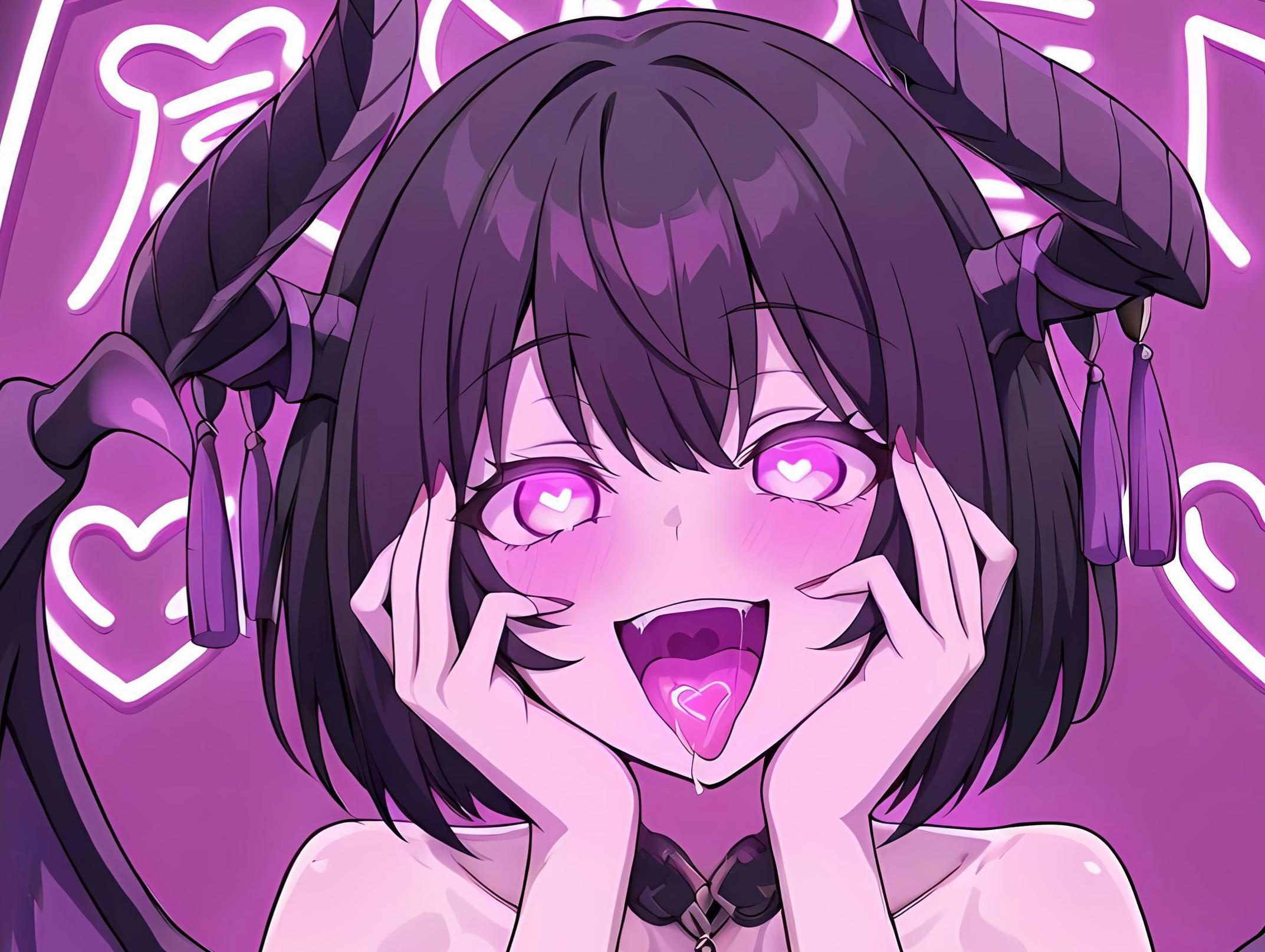
Pinku.AI Master Prompt Guide & Prompt List
Author: AI-Overlord-69, 12/16/25
Introduction
Welcome to the unofficial Pinku.AI guide and prompt list. In this guide, I will explain how it works, the basic prompting structure, and provide an incomplete list of known prompts. I hope this guide will help you to create amazing prompts to achieve your own personal masterpiece.
How it works
Imagine Pinku.AI as an artist starting with a completely noisy, random canvas, like TV static. To create an image from your prompt (e.g., “a fluffy cat sitting on a windowsill at sunset”), the model first converts your text into a detailed numerical “map” of meanings using a text encoder (this map captures concepts like “fluffy,” “cat,” “sunset colors,” and “windowsill”). Then, over many small steps (usually 20–50), a neural network repeatedly examines the current noisy picture, predicts what the added noise would look like, and subtracts it—while constantly checking against the text map to steer the emerging patterns in the right direction. With each step, random blobs gradually turn into recognizable shapes: vague outlines become a cat’s body, fuzzy patches sharpen into fur and whiskers, and colors shift toward warm sunset tones, all because the model is gently nudging the image to match the ideas in your prompt better. By the final step, the noise is almost gone, and what remains is a clear, coherent image that visually interprets your text description.
In other words, Pinku.AI uses AI to interpret your prompt through various algorithms to come up with what it thinks is the best visual representation of what you are asking. The AI “imagines” what the picture should look like from its base data and then uses your prompt to combine all of its available data into your requested picture.
Prompt structure
Prompts in Pinku.ai follow some simple rules: describe the subject, their clothing, their action, expression, and the background. When starting, you should keep it short and specific. As you become used to what to expect with your prompts, you can use the advanced prompting section to elevate your prompts to the next level. Prompts must start with “Send me a picture”.
Body Type + Clothing + Pose + Facial Expression + Background
Body Type: How do you want the character’s body to look? (e.g., wide hips, thick thighs, muscular, fit body, huge breasts, small breasts).
Clothing: What is the character wearing or not wearing? Keep in mind that anything you describe, the system will try to generate. (e.g., dress, t-shirt, high heels, lingerie, thigh-highs).
Pose: What is the character doing? (e.g., dancing, arms up, sitting, running).
Facial Expressions: What are the character’s facial features? (e.g., smiling, angry, upset).
Background: Finally, describe what the background is. (e.g., dark room, outdoors, indoors, bedroom, basement).
Sample Prompt:
Can you send me a picture, fit, athletic, muscular, abs, jeans, black t-shirt, sitting, crossing legs, hand over head, blushing, soft smile, shy, indoors, living-room, couch
Advanced prompts
You can create more advanced prompts by carefully considering what words you are using, telling the system how much to emphasize certain words, combining words to reduce their impact on other aspects of the image, and arranging prompts in a specific order.
Weighting: Emphasize elements with parentheses, like `((prompt))` for stronger influence or [[prompt]] for weaker. This tells the system that these prompts are more important than other prompts or less important. Using (((prompt))) will give the prompt a 3x positive weight. Using [[[prompt]]] will give the prompt a 3x negative weight.
Weighting helps when prompts compete or one dominates the output. For example, the word “pregnant” often produces a near full-term appearance by default. To reduce this, use square brackets to de-emphasize it, like [pregnant], which results in a smaller belly and a less pronounced pregnancy in the generated image.
Negative Prompts: This feature is only available in the advanced editing feature once you have generated the first image. Use a separate negative prompt field to avoid unwanted elements (e.g., “blurry, deformed, bad anatomy, feet, hands”).
Tips: Keep prompts concise—aim for under 30 words. Longer prompts can dilute the impact of key terms, reducing overall effectiveness.
Check my links and follow me AI_Overlord_69 | Linktree
Leave a Reply