
Stable Diffusion is an AI tool that turns text descriptions (called prompts) into images. The better your prompt, the better the image! Think of it like giving clear instructions to an artist. Vague instructions get okay results; detailed ones get amazing ones.
This guide is for beginners. We’ll cover the basics, structure, tips, and examples.
1. Basic Structure of a Good Prompt
A strong prompt usually follows this order (comma-separated keywords or natural sentences):
- Subject: The main thing you want (e.g., “a beautiful mountain landscape”, “a cyberpunk city”, “a cute cat”).
- Details: Describe the subject more (e.g., colors, pose, clothing, mood).
- Style/Medium: How it should look (e.g., “digital art”, “oil painting”, “realistic photo”, “in the style of Van Gogh”).
- Artists: Reference famous artists for influence (e.g., “by Greg Rutkowski”, “by Studio Ghibli”).
- Quality Boosters: Words to make it sharper/better (e.g., “highly detailed”, “8k”, “masterpiece”, “trending on ArtStation”).
- Lighting/Atmosphere: (e.g., “golden hour lighting”, “foggy”, “dramatic shadows”).
- Composition: (e.g., “wide angle”, “close-up”).
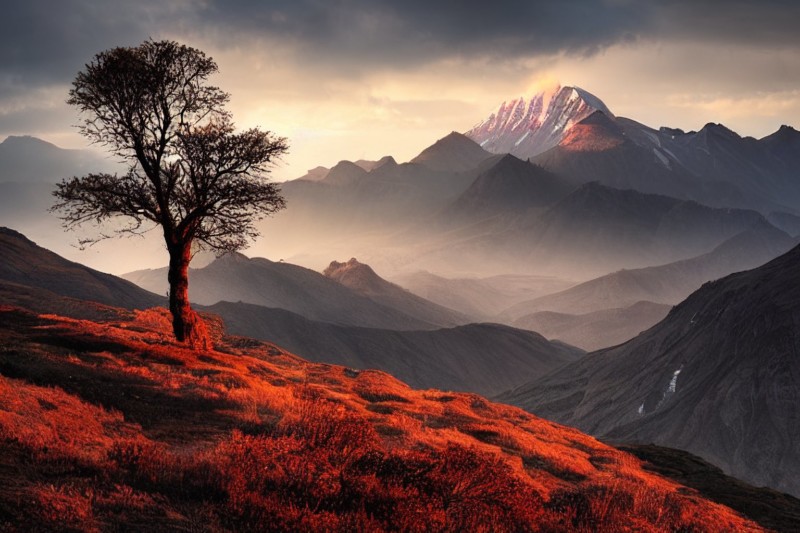
Example simple prompt: “a serene mountain lake at sunset, realistic, highly detailed”

2. Key Tips for Better Prompts
- Be Specific: Instead of “cat”, say “fluffy orange tabby cat with green eyes sitting on a windowsill”.
- Start Simple, Add Details: Begin with the core idea, generate an image, then add keywords to improve it.
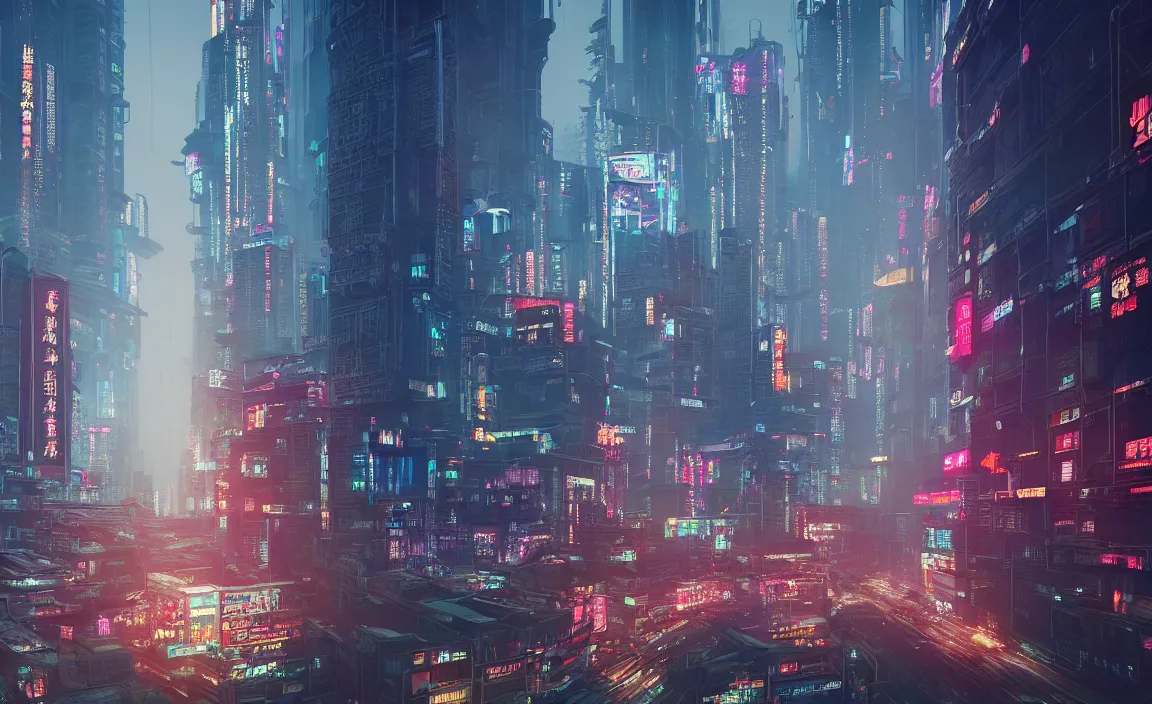
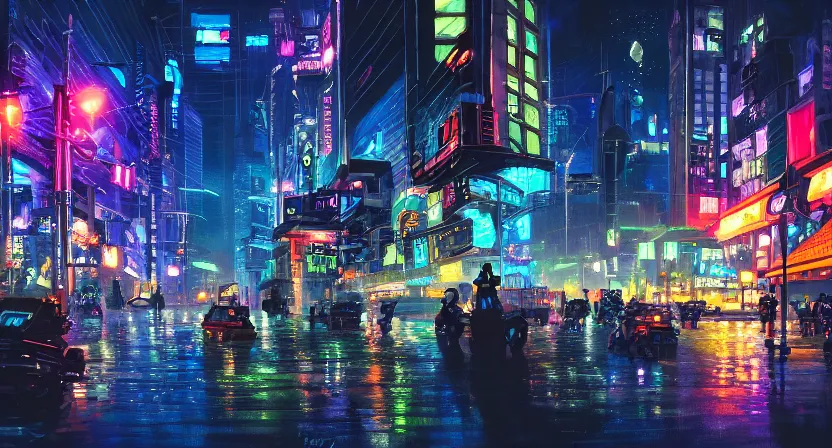
- Use Natural Language: Newer models (like Stable Diffusion 3.5) understand full sentences well: “A futuristic cyberpunk city at night with neon lights and raining streets”.
- Weight Keywords (in tools like Automatic1111): Use parentheses to emphasize: “(red dress:1.4)” makes it stronger. Or [weaker] for less.
- Length: 10-75 words is ideal. Too short = vague; too long = confusing.
- Experiment: Same prompt can vary with different seeds or settings. Try variations!
Here are cyberpunk city examples:
3. Negative Prompts: What to Avoid
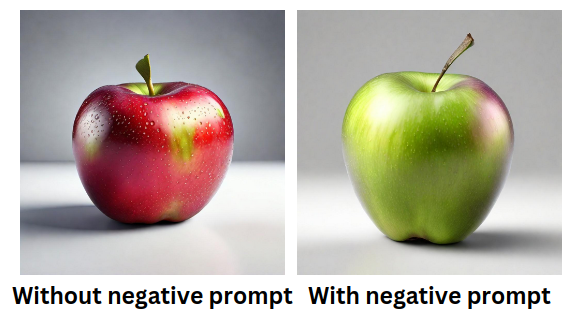
Most tools have a “negative prompt” field. This tells the AI what not to include.
Common negative prompts: “blurry, low quality, deformed, ugly, extra limbs, bad anatomy, watermark, text, overexposed”
This cleans up common AI mistakes like weird hands or artifacts.
Example of improvement with negative prompts:

4. More Examples
Basic vs. Advanced:
- Basic: “a princess” (Might get a simple cartoon.)
- Advanced: “beautiful princess in a flowing gown, standing in an enchanted forest, digital art, highly detailed, intricate, elegant, by Alphonse Mucha, trending on ArtStation”

Stable Diffusion – Generate images locally with prompt examples …
Portrait: “portrait of a young woman with long red hair, freckles, smiling, soft lighting, realistic, 8k”
Fantasy: “dragon flying over a medieval castle, epic fantasy, dramatic clouds, cinematic lighting, masterpiece”
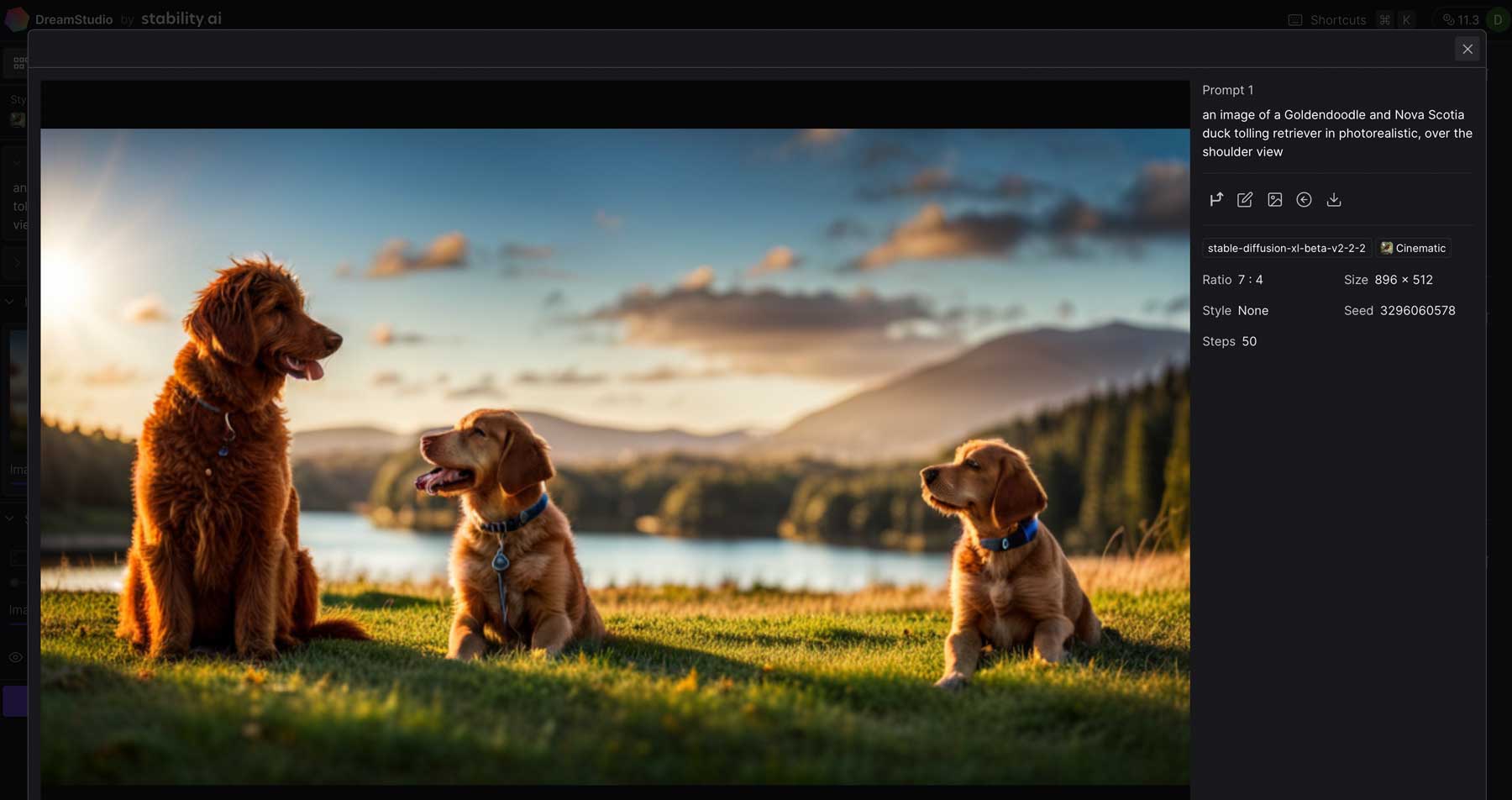
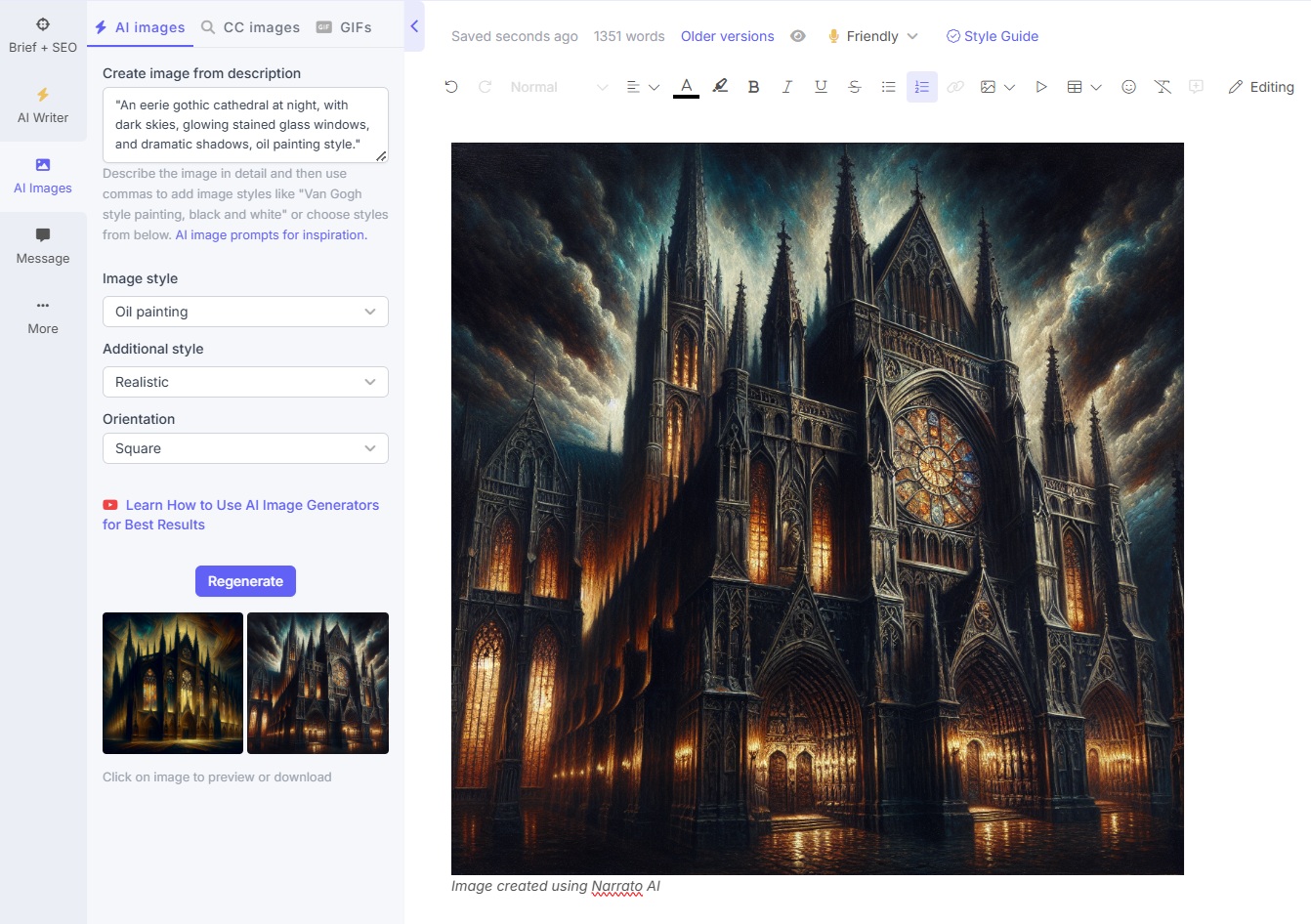
Here are some generated example images from good prompts:

5. Final Advice
- Practice! Generate lots of images and tweak prompts.
- Look at sites like Lexica.art or Civitai for prompt ideas (search images you like and copy their prompts).
- Different models (e.g., Realistic Vision for photos, Anything for anime) respond differently – match your prompt to the model.
With these tips, you’ll create stunning images in no time. Have fun experimenting! 🚀
Leave a Reply